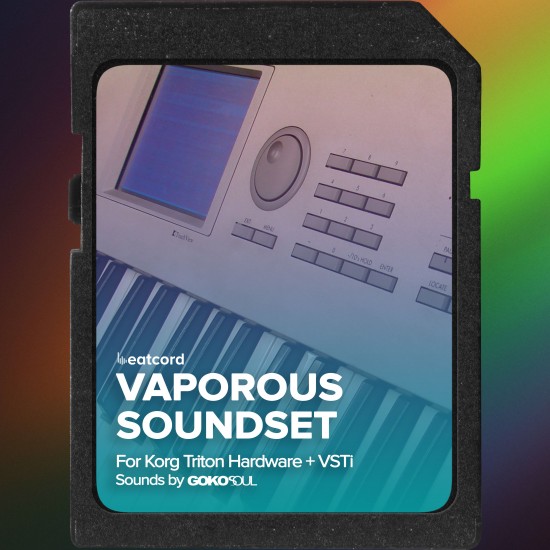
Vaporous Soundset for Korg Triton: Chillout and Trance Presets
COMPATIBLE WITH
Korg Triton Hardware
Korg Triton VSTi
128 Presets
PCG and Patch
Elevate your Korg Triton Series (Extreme, Studio, Pro, Kbd, Rack) and Triton VSTi with Vaporous, a premium soundset by Gokosoul. This collection delivers 128 carefully crafted Chillout and Trance presets built to feel musical, usable, and instantly inspiring.
Vaporous focuses on lush pads, cinematic strings, deep low end, bright leads, playable keys, tight drums, intriguing SFX, and signature vocoder patches. It is made for producers who want Triton character with modern mix behavior.
Designed and programmed on original Korg Triton Rack hardware. Presets load into the INT-A bank on Triton units.
Demo Details: Listen to the official demo to hear the full character, dynamics, and performance behavior of the presets before installing.
DESIGNED FOR
Chillout
Trance
Progressive
Ambient
Cinematic
Electronica
Practical by design. Many presets are mapped for hands on performance using Triton controllers. Use joystick and modulation to open textures, add motion, and move between soft and energetic states without rebuilding the patch.
What you get
- Hardware bank: .PCG file (128 programs)
- VSTi bank: 128 .patch files
- Preset list and quick install guide
- Audio demo
Compatibility notes
- Hardware: Triton series mentioned above
- Software: Triton VSTi preset folder (USER A)
- Backup recommended before importing user data
Installation
Hardware uses a PCG load flow. VSTi uses direct copy into the USER A preset folder. Exact steps below.
Loading presets: Hardware (PCG)
- Copy the PCG file to your media.
- On Triton, go to DISK.
- Select the PCG, then choose Utility.
- Pick Load Selected and confirm.
- When asked to load the second part, press Skip.
- Confirm OK when prompted.
- Go to PROG and select presets from the target bank (commonly INT A).
Loading presets: Triton VSTi (.patch)
Copy all patch files into the USER A preset folder.
- macOS:
-
~/Documents/KORG/TRITON/Presets/Program/USER-A/
- Windows:
-
C:\Users\YourUsername\Documents\KORG\TRITON\Presets\Program\USER-A\
- Launch your DAW and open the Triton VSTi.
- Browse Bank USER A to access the presets.
Vocoder setup: Hardware
- Connect your microphone to Input 1 on Triton.
- Open Global.
- Set Input 1 to Level 127 and Pan R127.
- Select BUS (IFX/Indiv.) IFX2.
- Go to Program A and use vocoder patches from 080 to 093.
Preset List
Presets are listed in their final bank order (A000 to A127). Scroll inside the list to view all presets.
FAQ
Compatible devices
Korg Triton Extreme, Studio, Pro, Kbd, Rack and Triton VSTi.
Included files
Hardware PCG bank, 128 VSTi patch files, preset list, install guide, demo.
Overwrite risk
Only if you load into an occupied user location. Backup your existing data first.
Commercial use
Yes. Covered under Beatcord license.
Vaporous is built to make Triton feel modern again: playable, mix friendly, and fast to navigate.
Product names and trademarks belong to their respective owners. Not affiliated with or endorsed by any manufacturer.